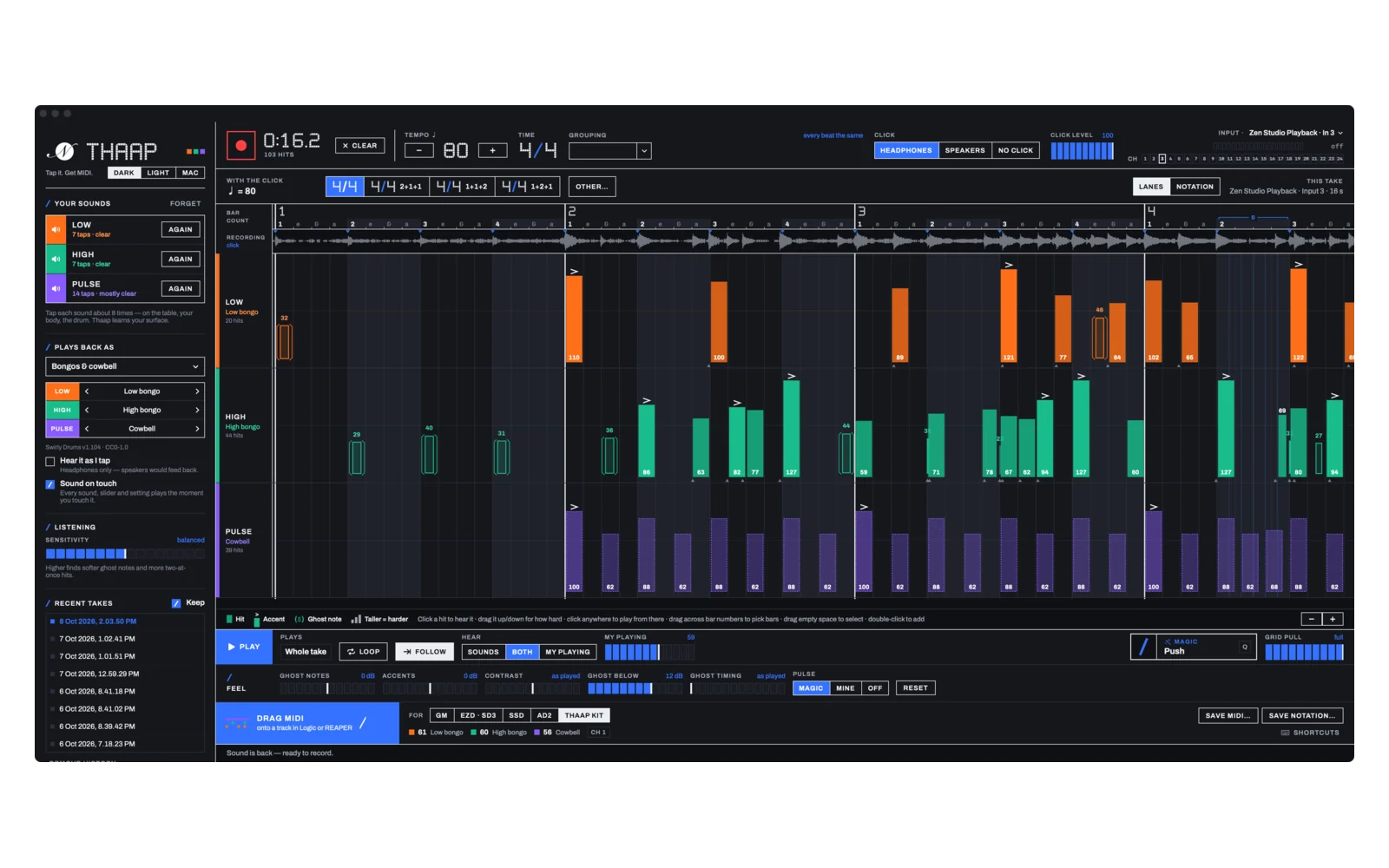
Your sounds, your feel.
Teach it a low, a high and a pulse from whatever is in front of you. Thaap sorts every hit into those three, with accents and ghost notes, and keeps your timing instead of flattening it.
Thaap listens to a groove you tap, sorts each hit into low, high and pulse, then gives you MIDI for your drum plug-in and a drum score you can read.
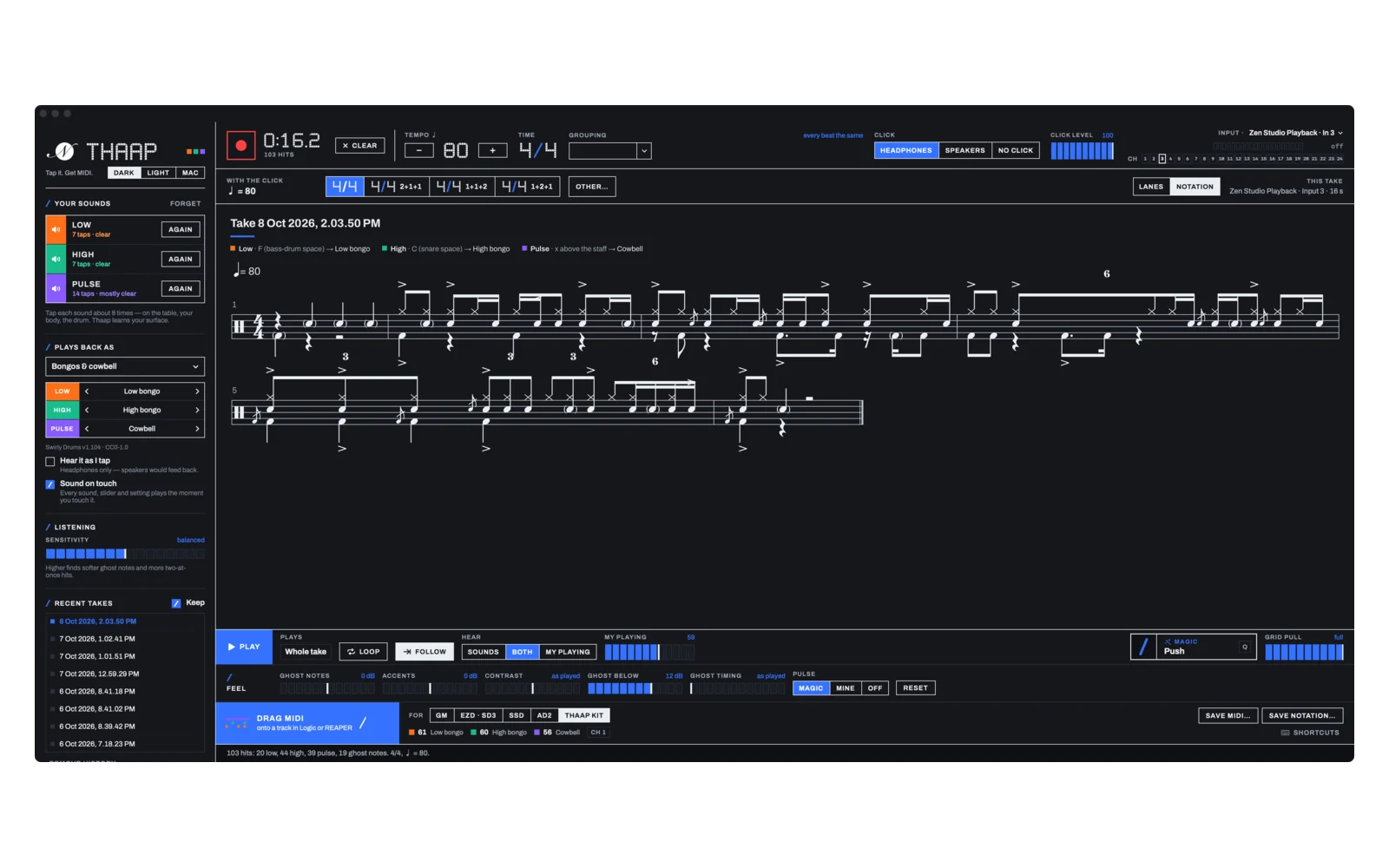
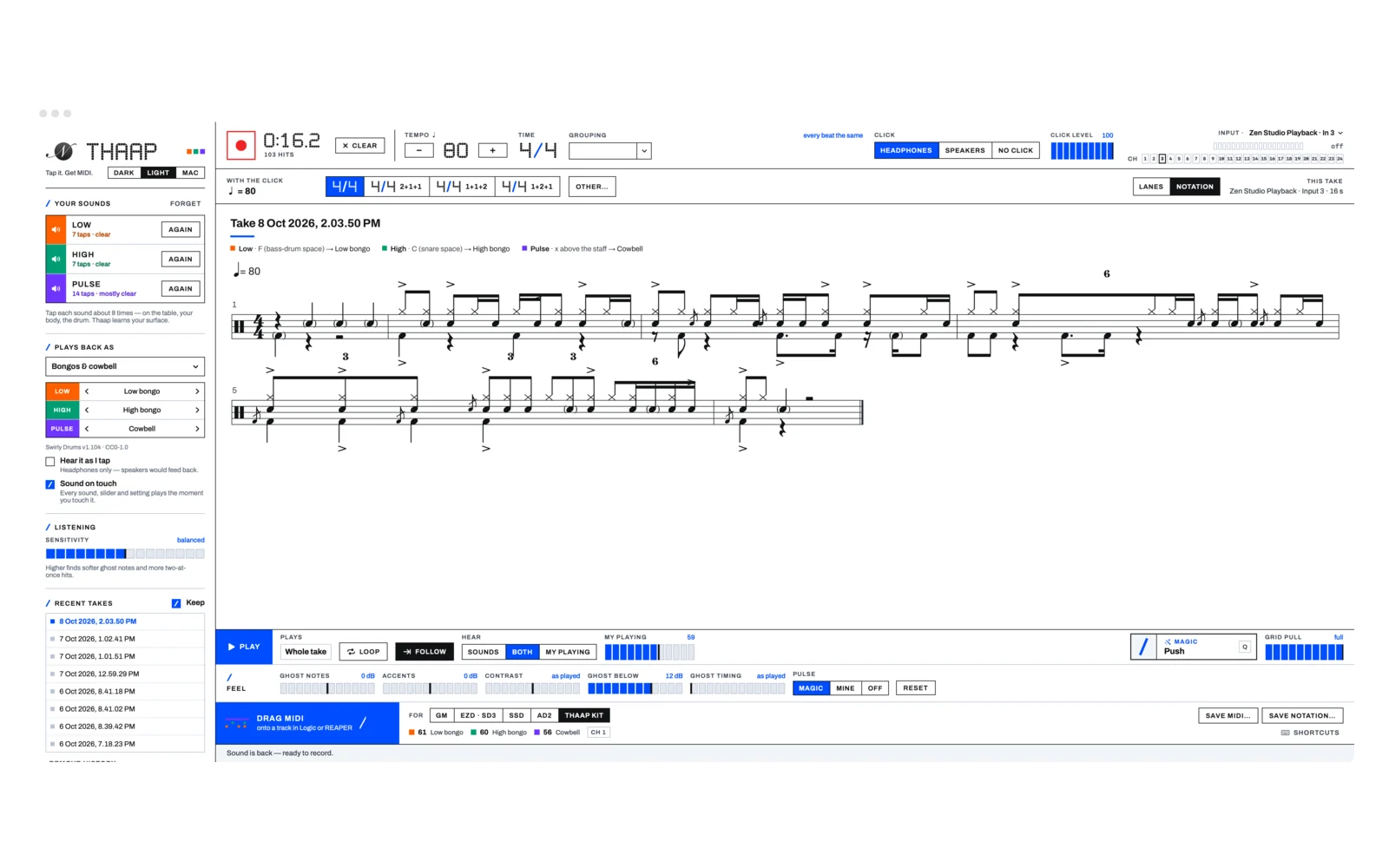
Tap a groove and Thaap writes it out as real drum notation.
A practical setup
Tap a groove on a table, a cajón or your knees. Thaap turns it into drum MIDI for your DAW and a drum score, with your feel kept.
Tap a low, a high and a pulse on anything in front of you so Thaap learns your three sounds.
Record the groove. Thaap sorts every hit, keeps your accents, ghost notes and timing, and shows the take as a drum part.
Hear it back on a kit, then save MIDI for your drum plug-in or drag it onto a track in Logic or REAPER.
Before you begin
For Macs on macOS 13 or later, Apple silicon and Intel; it works best with a clear microphone and three sounds that are easy to tell apart, and you can fix any hit by hand.
Tap a groove on a table, a cajón or your knees. Thaap turns it into drum MIDI for your DAW and proper drum notation, with your feel intact. For Mac.
Teach it a low, a high and a pulse from whatever is in front of you. Thaap sorts every hit into those three, with accents and ghost notes, and keeps your timing instead of flattening it.
Save MIDI for General MIDI, Toontrack (EZdrummer, Superior Drummer), Slate SSD, Addictive Drums 2 or Thaap's own kits, or drag it straight onto a track in Logic or REAPER.
See the take as a drum part: percussion clef, beams by the beat, triplets, flams and ghost notes. Odd meters like 7/8 as 2+2+3 are written the way a drummer reads them. Save it as MusicXML for MuseScore, Dorico or Sibelius.
Play the take back on studio drums, brushes, tabla, cajón, congas, body percussion or electronic kits, and try Tight, Pocket, Swing or Push feels with one button.
Thaap is for Macs on macOS 13 or later, Apple silicon and Intel. It works best with a clear microphone and three sounds that are easy to tell apart; a loud room or very similar sounds can put a hit in the wrong lane, and you can fix any hit by hand. It was tested on an Apple-silicon Mac mini; the Intel version was run under Rosetta but not yet on a physical Intel Mac.
Thaap is invite only
We open Nathaniel Labs apps to small groups so every new member gets real help. Tell us who you are and you'll get a private link. One invite opens every invite-only app.
Release notes and early build calls for this product.
Anything that makes three different sounds: a table, a cajón, a frame drum, your chest and knees. You teach Thaap your low, high and pulse sound first, so it listens for your sounds, not a drum kit's.
Yes. Choose General MIDI, Toontrack (EZdrummer and Superior Drummer), Slate SSD or Addictive Drums 2 before you save, and the kick, snare and hi-hat land on the right notes, with accented hi-hats on that plug-in's louder hi-hat note.
No. Thaap uses the microphone only to hear your taps, and your takes stay in Music > Thaap on your Mac. The only thing it asks the internet for is the daily update check.
Thaap checks once a day for a new version signed by us. It asks before downloading and again before installing, and never while you are recording or playing. Check for Updates is in the Thaap menu.
No. Thaap listens to the input you choose and plays through the output your Mac is already using. It never switches devices or changes their settings.
Turn handwritten chord charts and melody sketches into playable, transposable charts and engraved parts with note names and fingerings. Free for Mac.
See every beat, practise polyrhythms and polymeters, find a recording's tempo and run a setlist, from a window or the menu bar. Free for Mac.